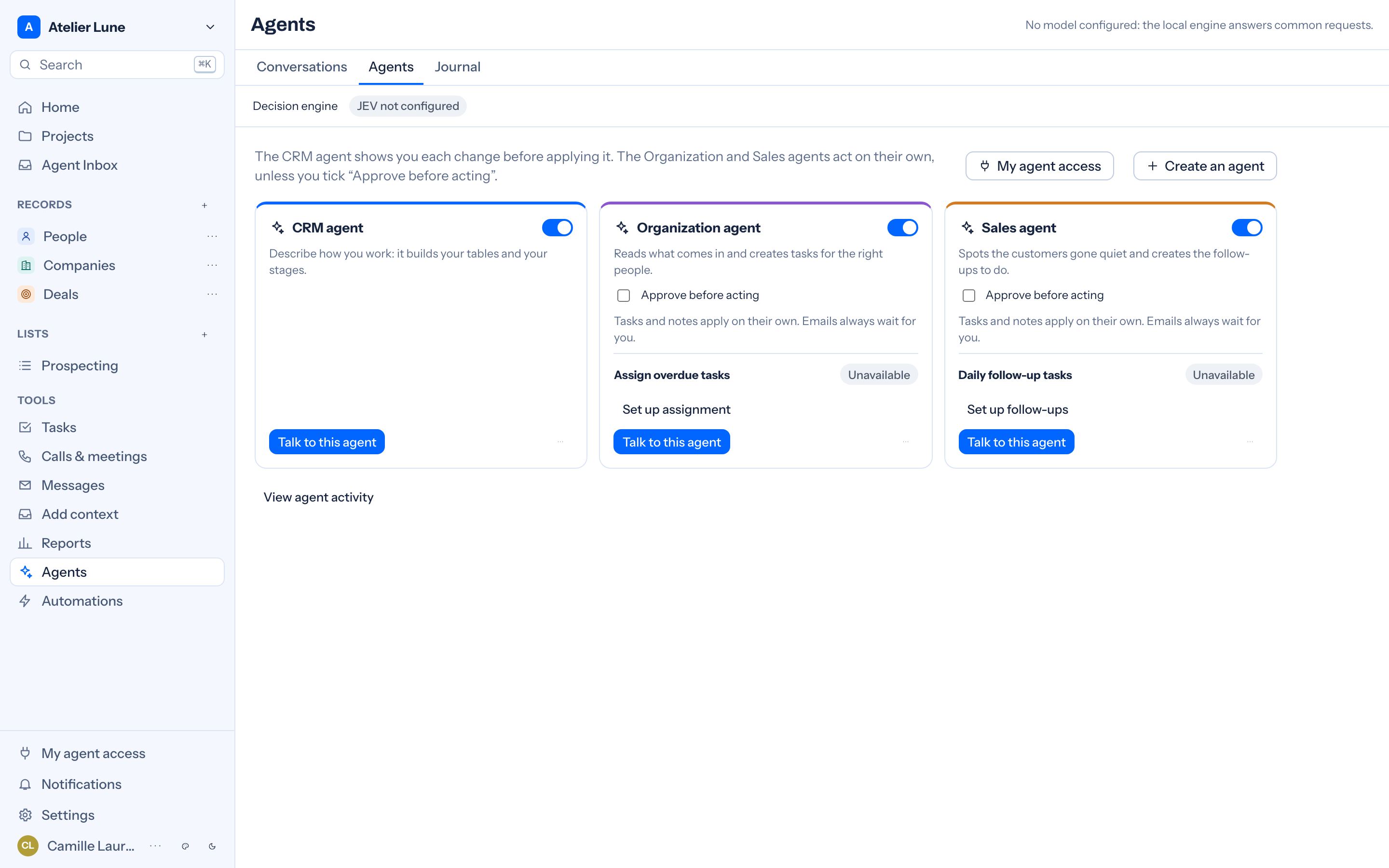
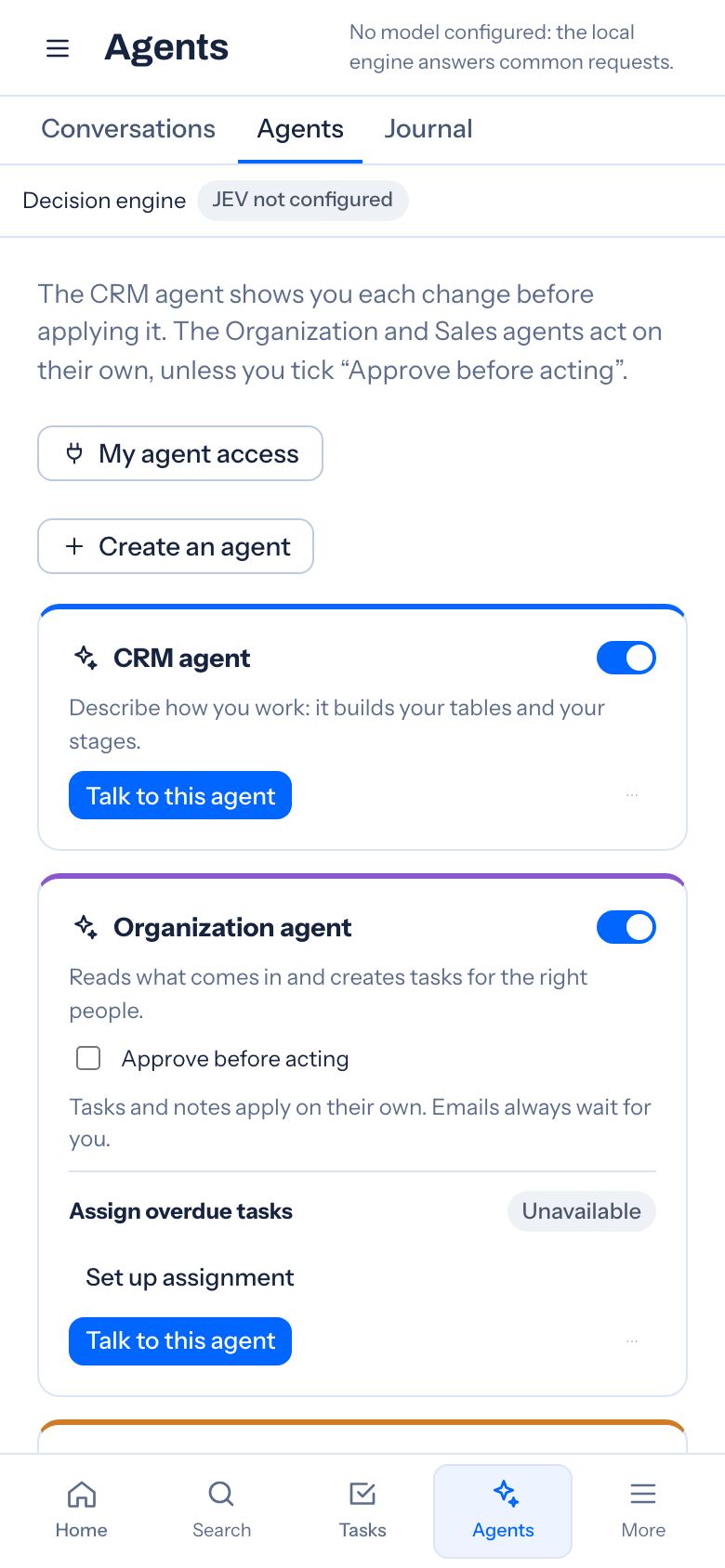
Organization agent
Ask it to prepare team tasks, or choose an event that starts it.
“The quote is signed. Prepare the team’s tasks.”It acts on its own, unless you tick “Approve before acting”.
Clients · Projects · Teams
Keep contacts, conversations and tasks in one place. Your team shares a workspace, with agents to prepare follow-ups and organise work.
Free trial
Your daily work
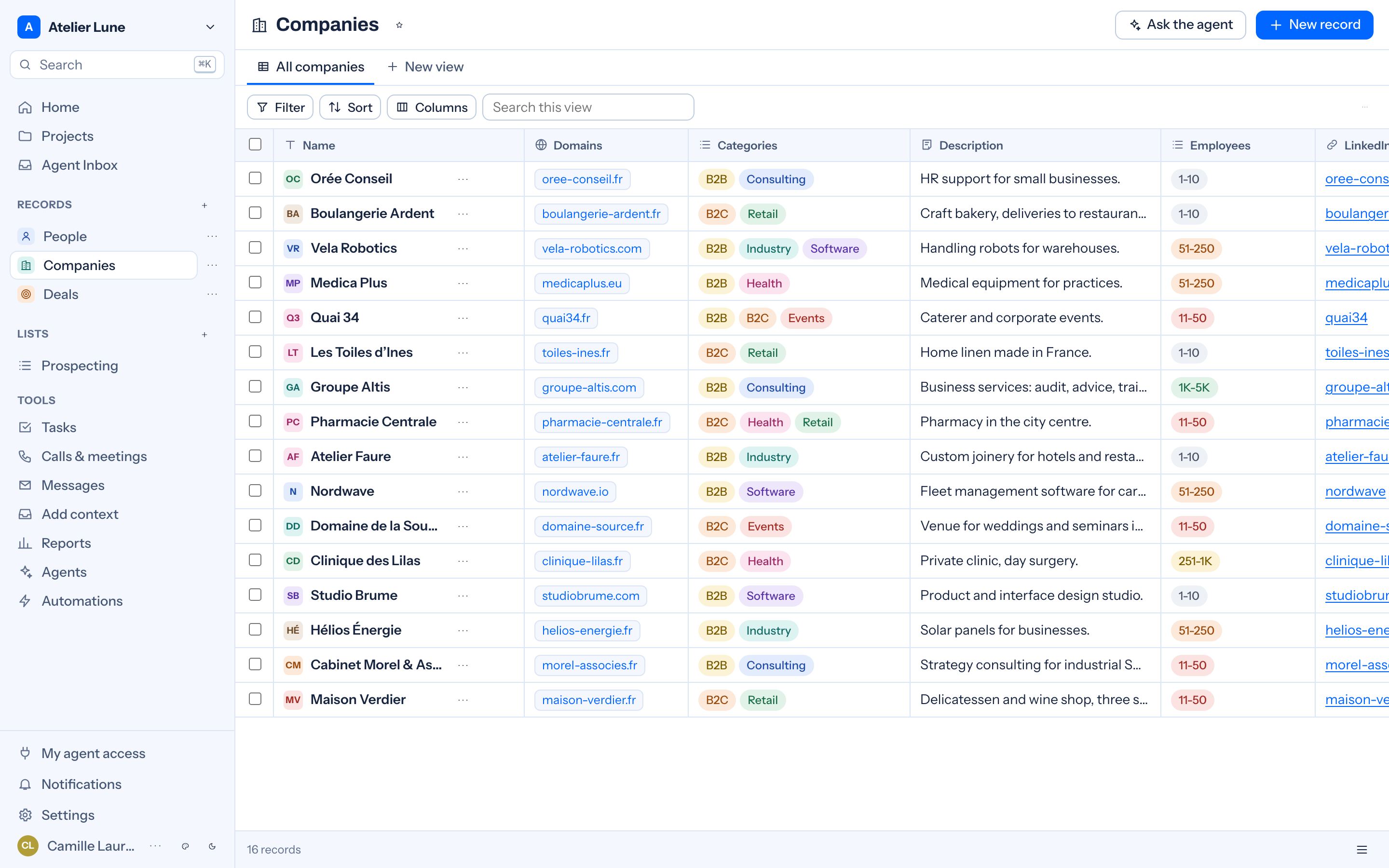
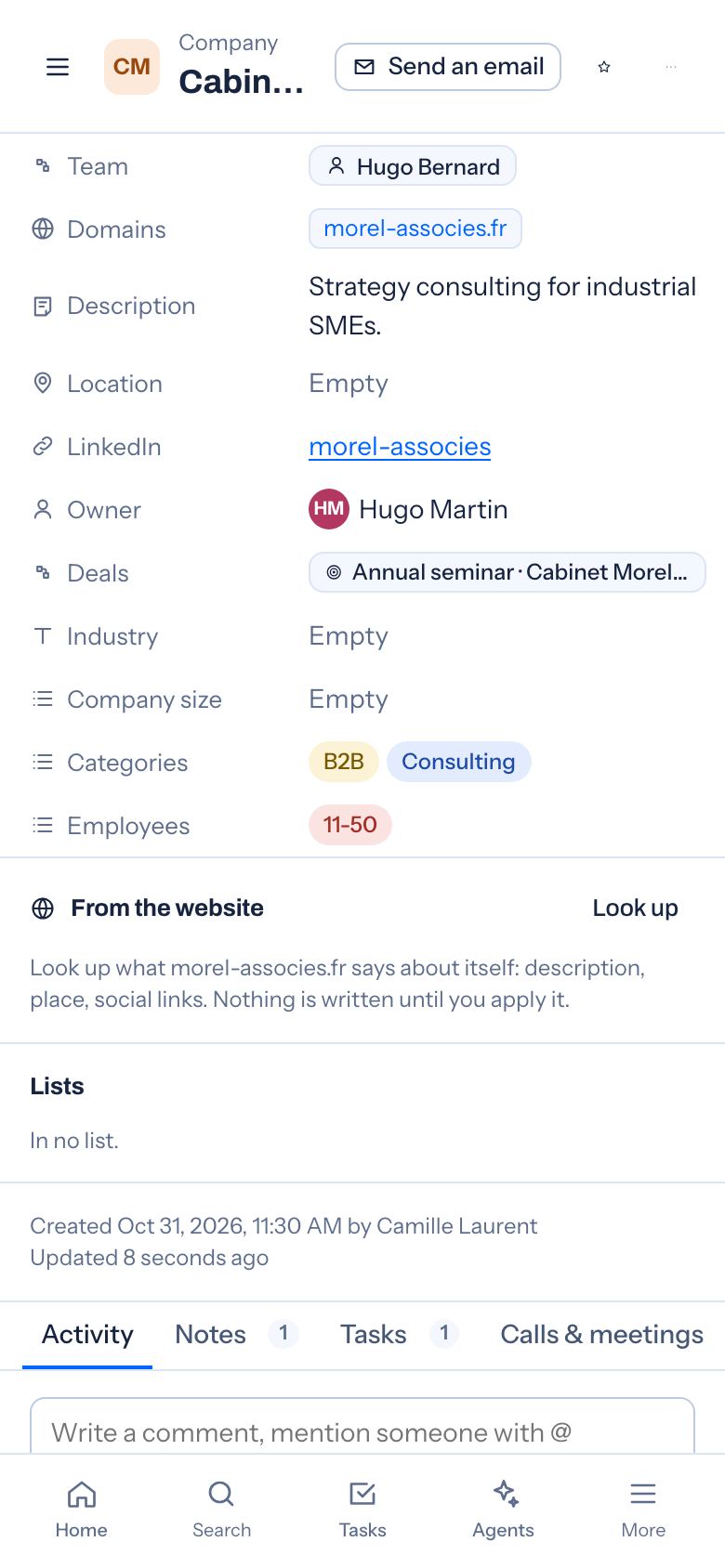
Contact details, notes and conversation history in one record.
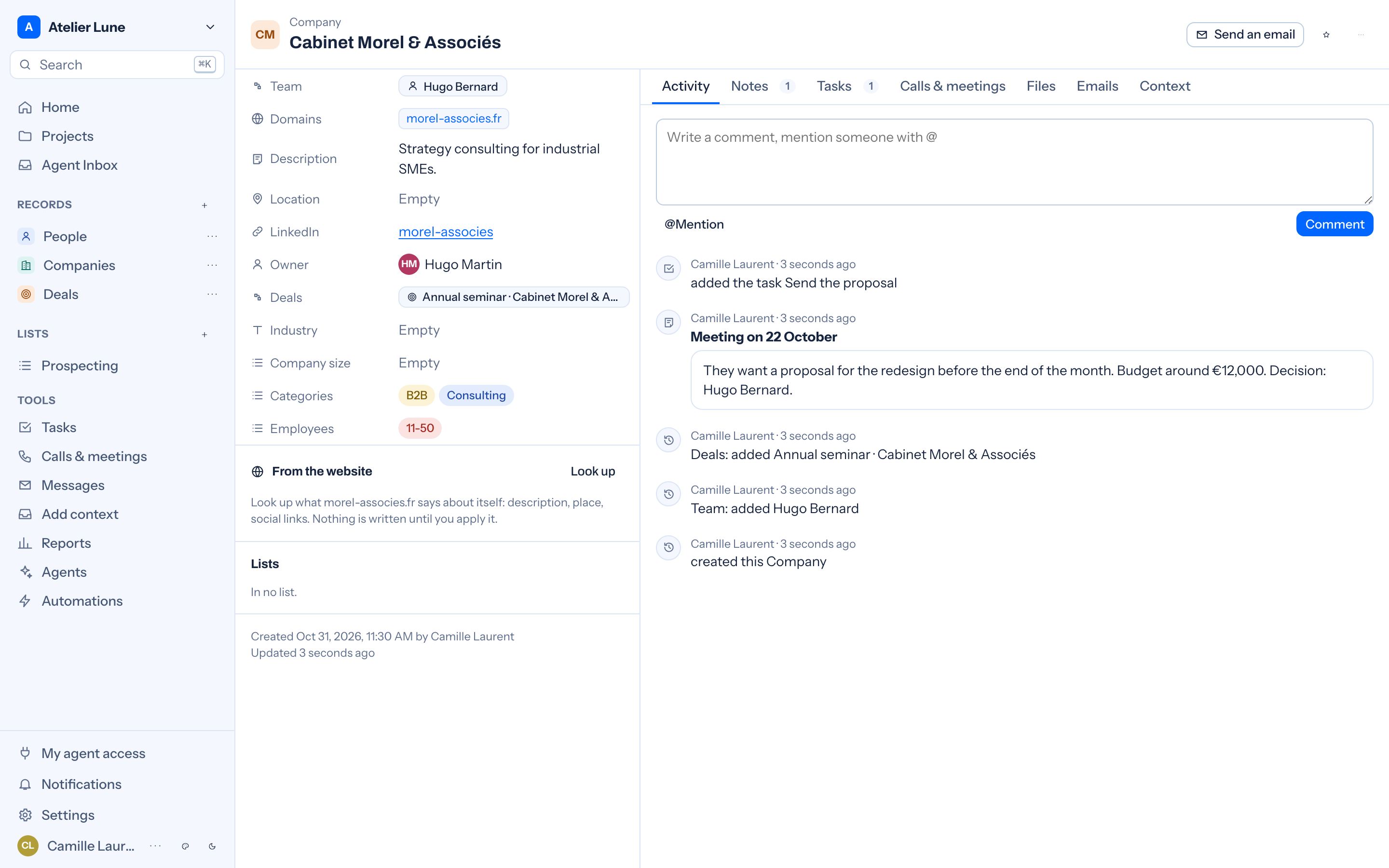
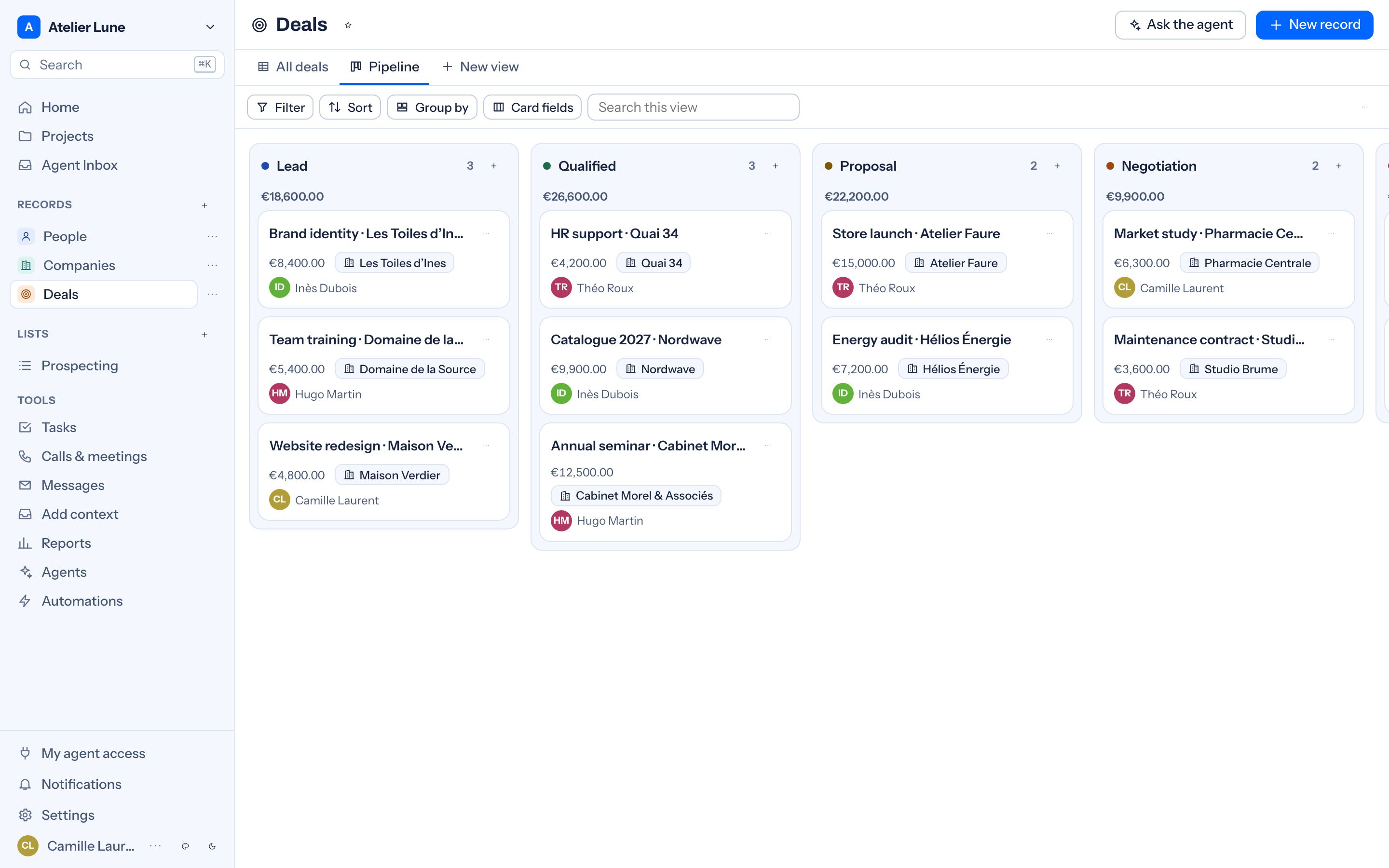
Find opportunities that need a follow-up and update their progress.
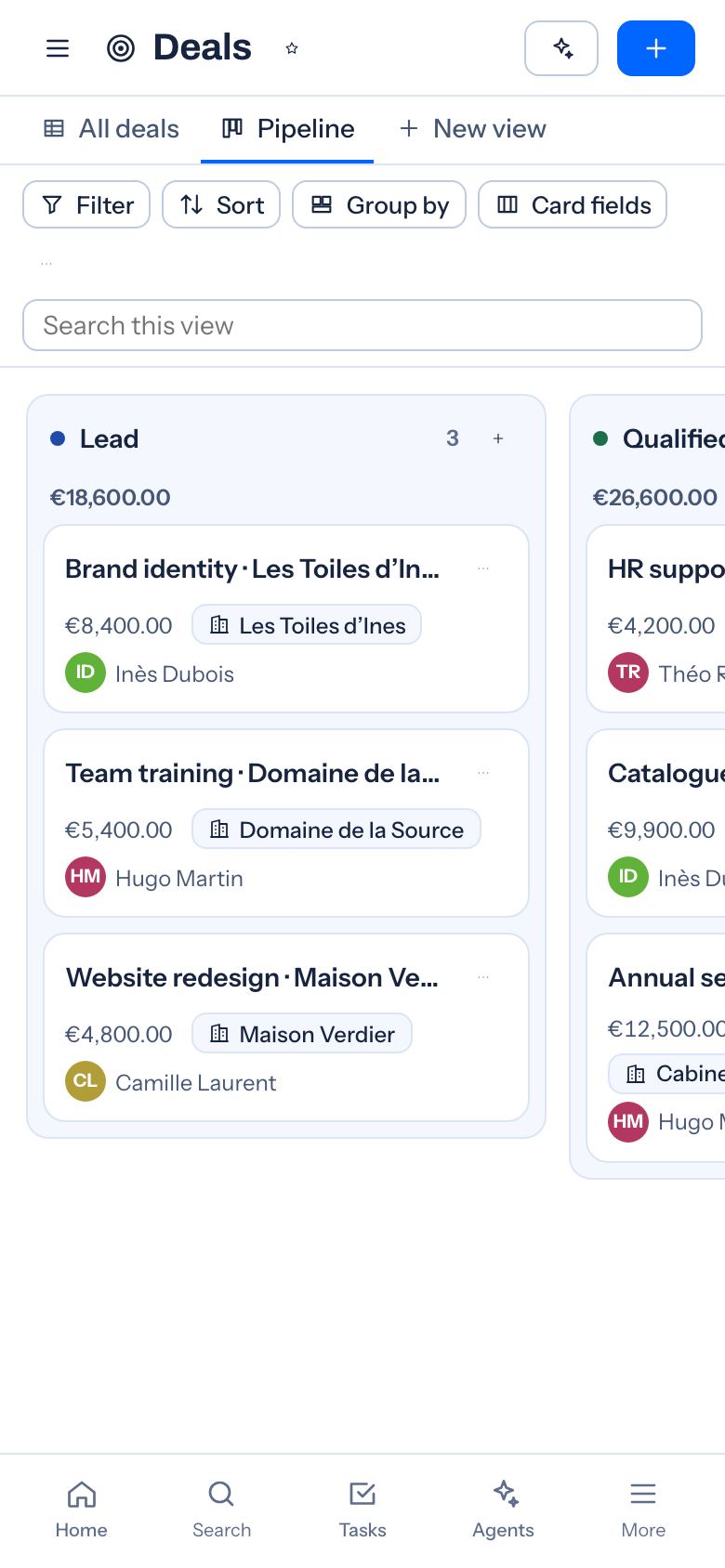
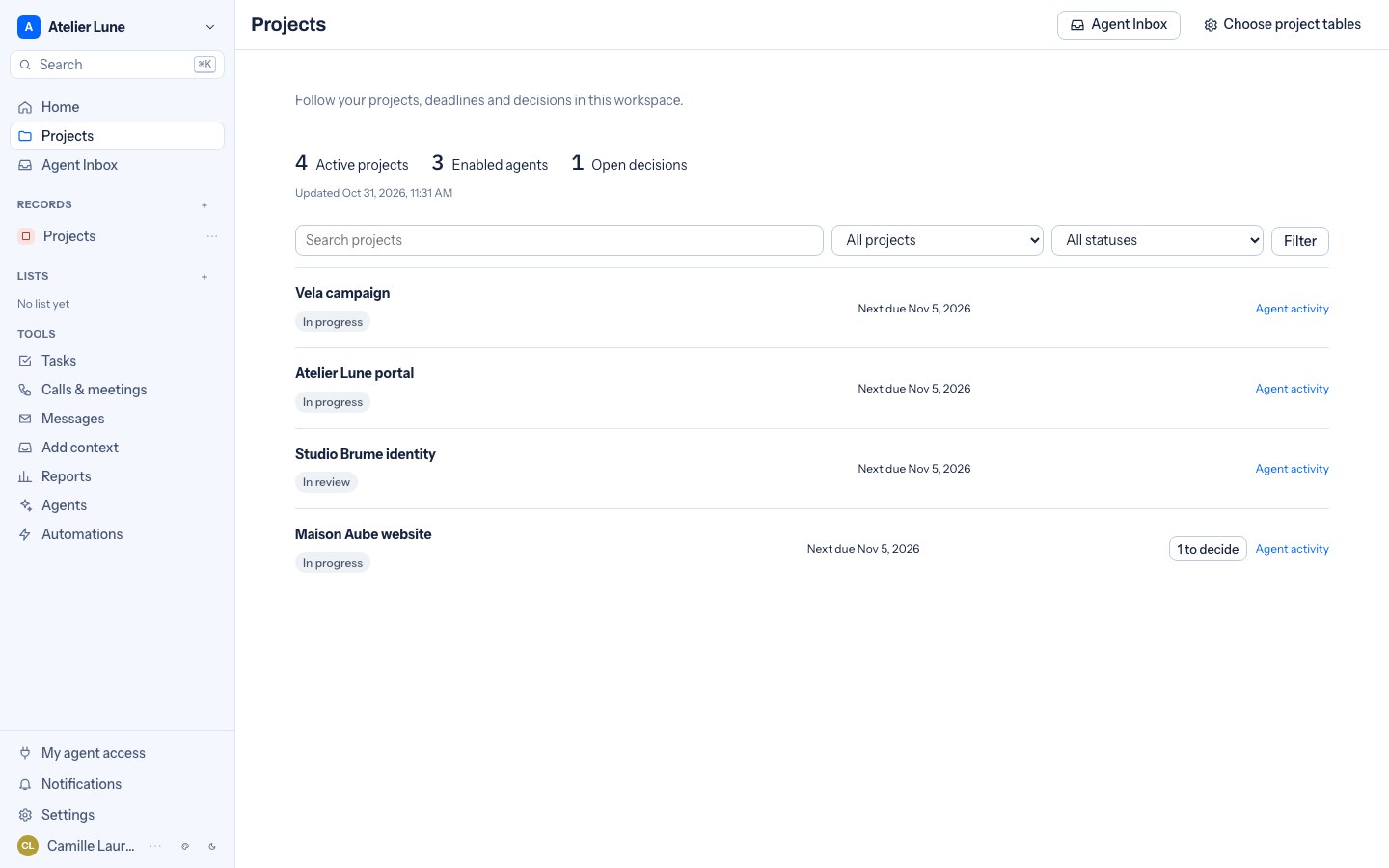
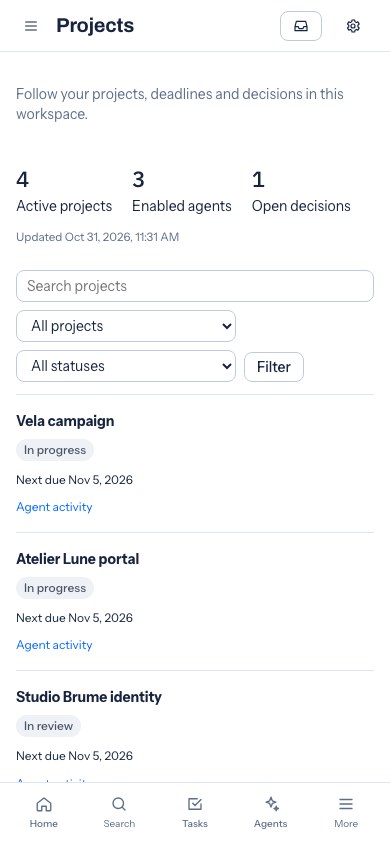
Track tasks, owners and deadlines for each project.
Review its proposals, choose what to apply and see the actions taken.
People, agents and assistants
Shared projects graph
Demonstration · fictional data · MCP / API
 BonDossierProject informationTasksPeopleHistory
The same project, the same rights and coordinated work.
Alex’s assistant reads the tasks it is allowed to see in the BonDossier project.
Illustrative interaction: each proposal waits for your approval.
Claude, ChatGPT and Gemini CLI connect through BonDossier’s MCP connector; availability depends on the assistant and its plan. An assistant acts with the rights of the person who connected it, or with an access limited to some projects. To hand work over, enable the relay for your chosen agents. This demonstration changes nothing in any workspace.
Agents in your workspace
Ask an agent to review a client record, prepare a follow-up or propose tasks for your team.
Ask it to prepare team tasks, or choose an event that starts it.
“The quote is signed. Prepare the team’s tasks.”It acts on its own, unless you tick “Approve before acting”.
Describe how you work: it prepares your tables, fields, stages and views.
“Add a quote pipeline with three stages.”It shows you each change before applying it.
It spots the clients gone quiet and prepares your follow-ups.
“Find stalled deals and prepare the follow-ups.”From your mailbox, once you switch it on. Tick “Approve before acting” to read each email first.
Give it a mission, the tables it may read and what it may prepare.
“Summarise this client before my meeting.”It keeps your access rights, and every action is logged.
The CRM agent and MCP connections are included in every plan. Organization, Sales and custom agents are included from Basic.
Customisation
Demos
Security
For your team
Free trial.
From €19.99/month